
A new customer gets a cheerful “ready for your next step?” email while their setup is blocked. The email platform sees a signup. Support sees an unresolved case. Neither owns the contradiction.
Lifecycle marketing becomes more useful when messages follow verified customer progress. The handoff between product, support and marketing deserves as much attention as the subject line. This guide applies the Outcome Driven handoff research to a fictional onboarding journey.
1. Choose one meaningful customer state
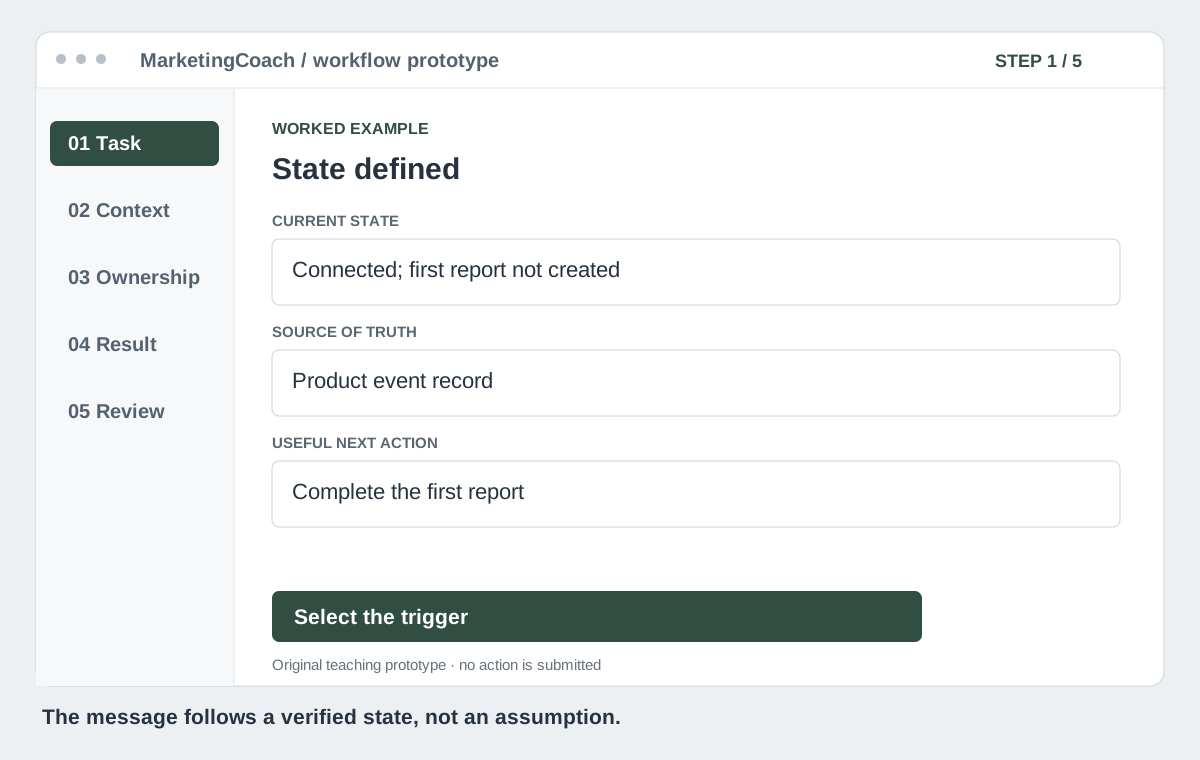
Start with a specific transition: a new account has connected its data source but has not produced a first report. Define the event and its authoritative source. “Opened email” is an engagement signal; it is not evidence of first value.
List the states that change what help is useful: setup in progress, blocked, awaiting support, first result verified and opted out of marketing. Avoid guessing sensitive personal circumstances from behavior. Use the information necessary for the agreed service and the customer’s stated preferences.
2. Write a handoff brief for the next team
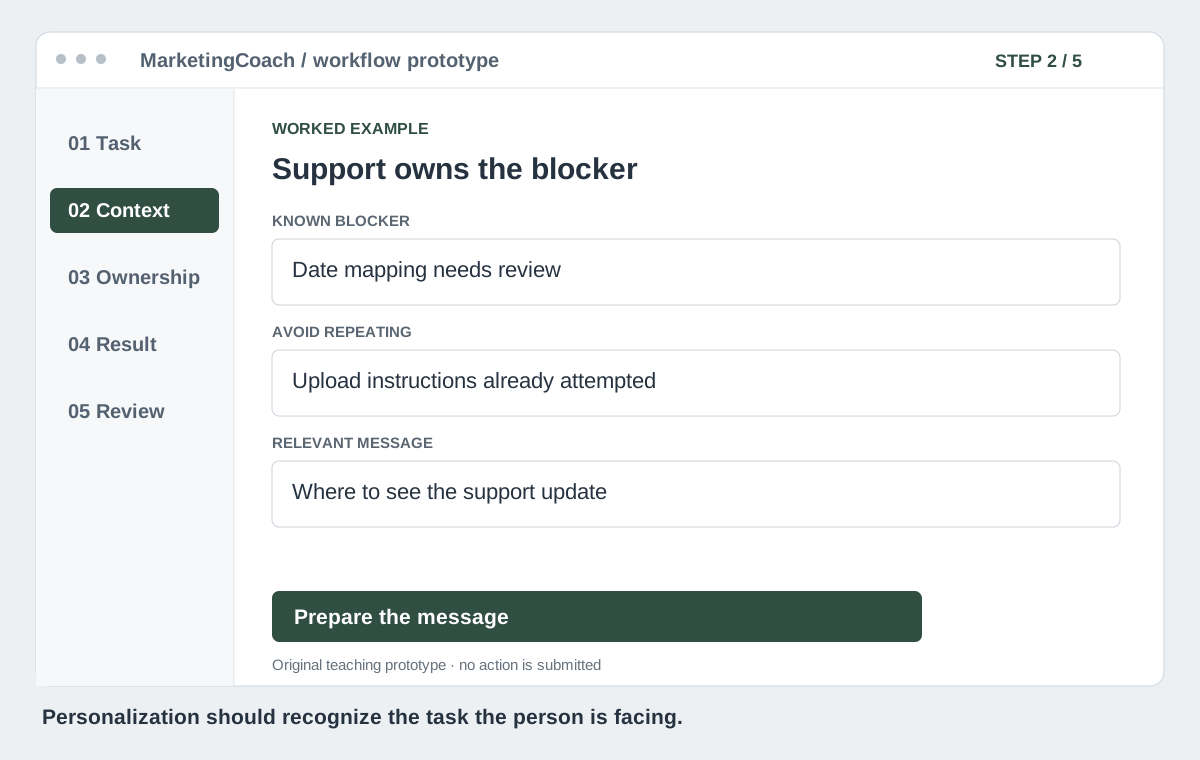
Give the person writing or sending the message the goal, blocker, previous attempts and permitted next action. Include which team owns the blocker. That is more useful than a list of demographic fields with no connection to the task.
For this example, support knows the import has a date-format problem. Marketing should not send a generic “upload your file” reminder. The useful next communication tells the customer that the issue is being checked and where to find its status.
3. Add an explicit suppression and restart rule
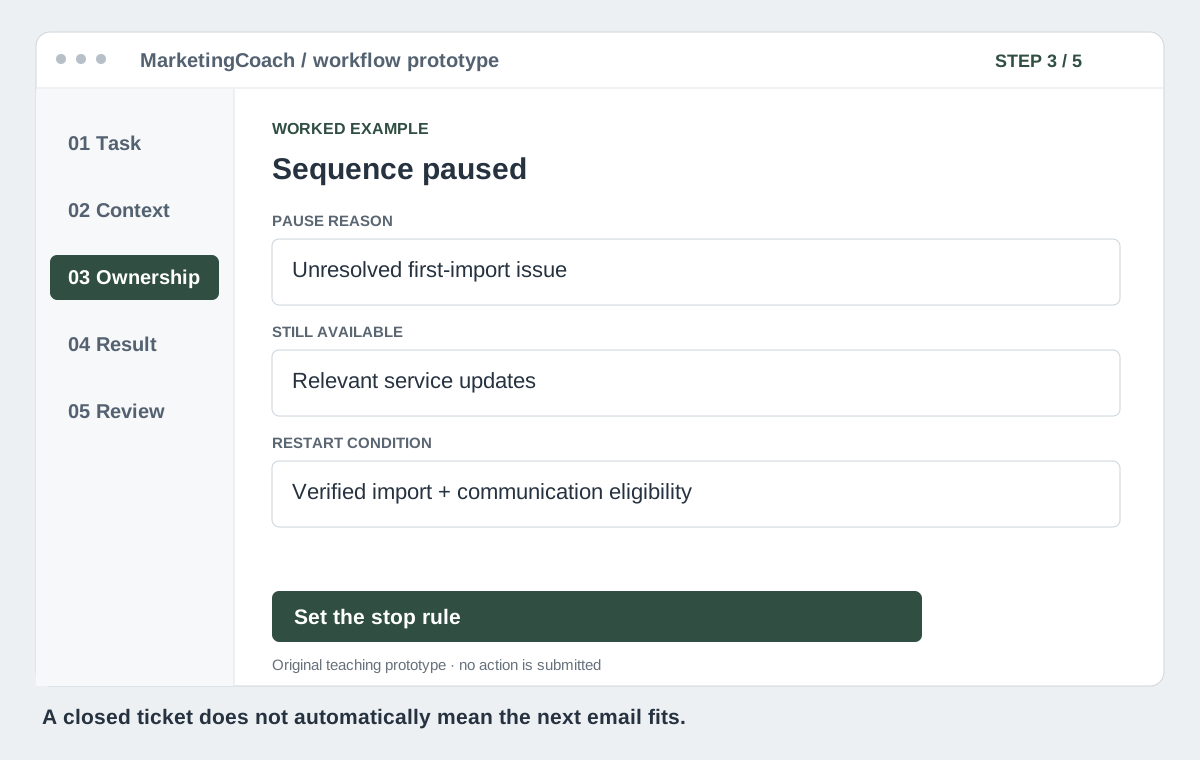
Pause promotional or progression messages that conflict with an unresolved service problem. Keep essential service updates available through the appropriate channel and consent basis. An unsubscribe must continue to govern marketing delivery.
Specify the restart event. For example, resume the first-result sequence only when the import is verified and the account is eligible for that communication. Do not restart simply because a support ticket was closed; that can happen without the customer succeeding.
4. Make the destination continue the same task
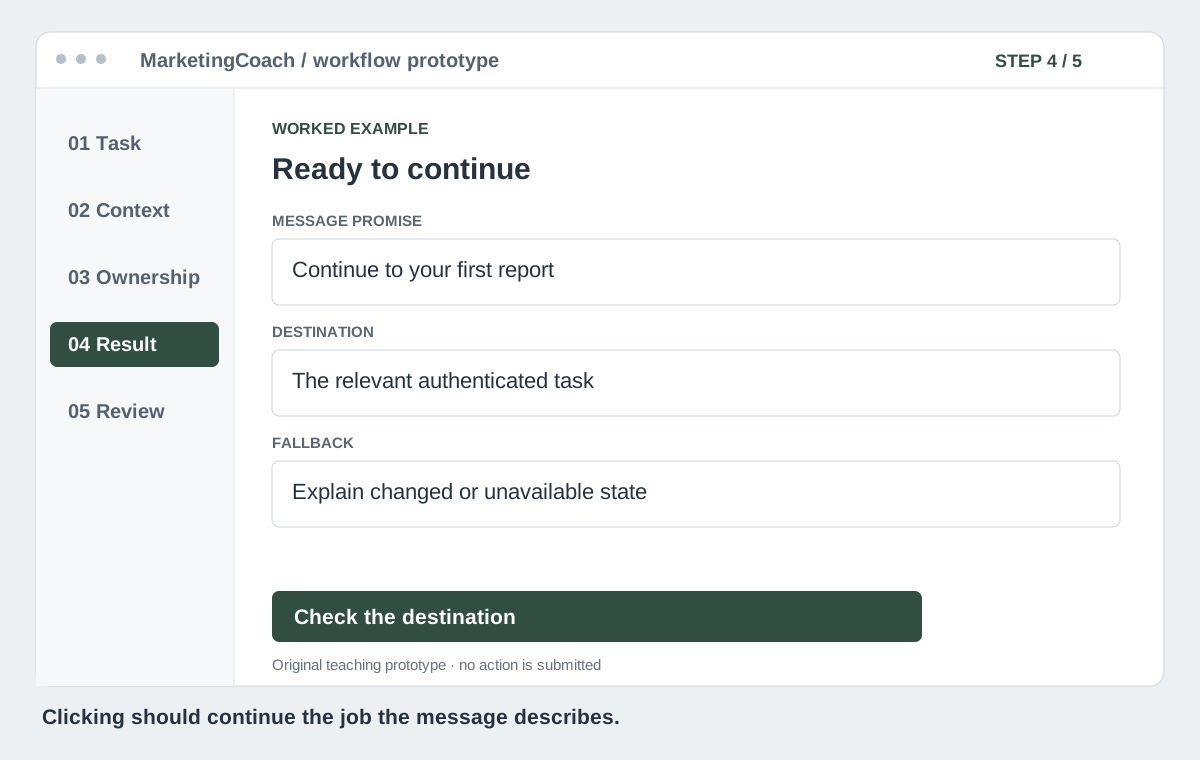
When the import is fixed, the message should open the relevant report or next task, with authentication where needed. Preserve useful context without putting personal information in a URL. Check expired sessions, mobile layouts and accounts that lack permission.
Write the promise around the actual next action. If the link opens a setup screen, say that. Do not label it “view your report” when the report does not yet exist. Give the customer a recovery route when the state has changed since the message was sent.
5. Measure progress per eligible customer
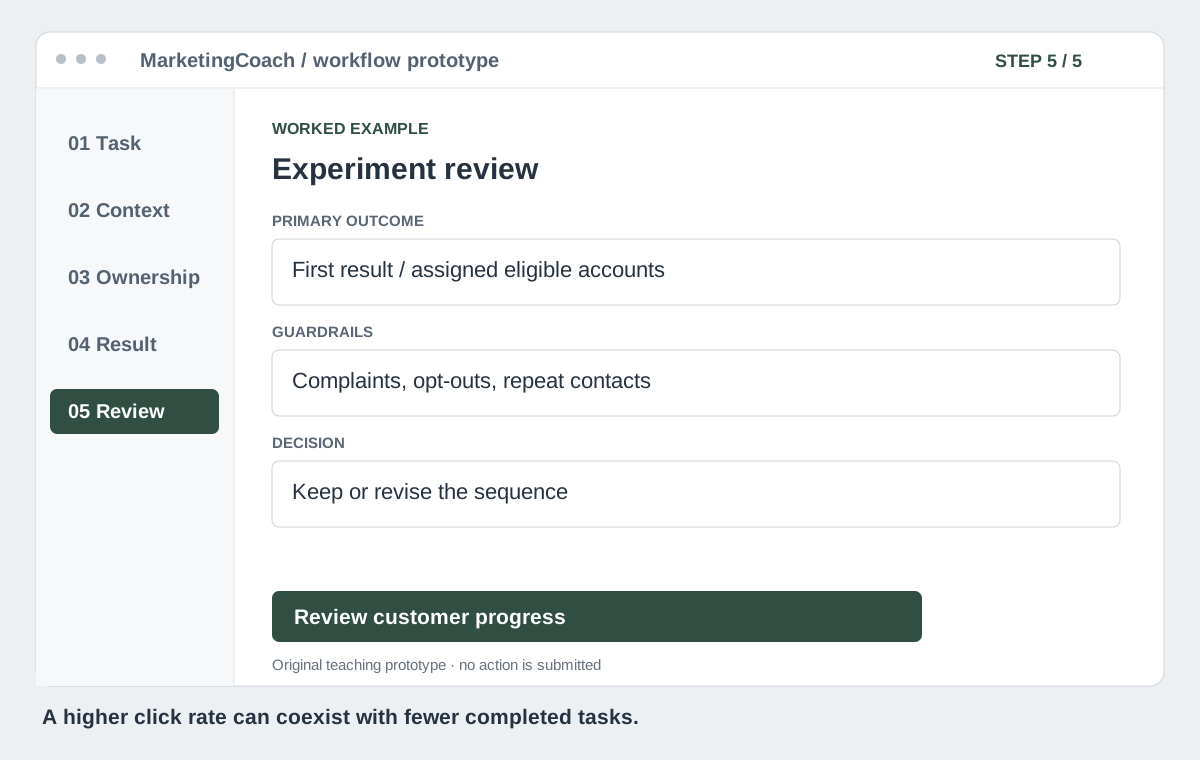
Randomize eligible accounts to the current or revised sequence when volume permits. Predefine the completion event and observation period. Compare first reports created per assigned eligible account, alongside time to first result, support contacts, opt-outs and complaints.
Keep open and click rates as diagnostic signals. Do not restrict the outcome analysis to people who clicked: that discards part of the intervention’s effect. Report absolute counts and allow time for both groups to mature.
If customer volume cannot support a useful experiment, test comprehension and landing-page continuity with users, then run a monitored pilot. Label it as a pilot rather than claiming causal retention lift.
Make one owner responsible for continuity
For your next campaign review, put the product state, support state, message and destination on one page. Ask where they disagree. Assign an owner to correct the transition and set a review date.
Use the campaign resources to capture the test. Then connect it to the whole-journey acquisition scorecard. A useful lifecycle program helps the person continue from where they really are.
Sources and evidence
Keep exploring
Give your marketing agent the evidence before you give it the controls